Consulting room allocation plan
Financial planning for a hospital's consulting rooms, weighing each consultant and department against the value they're expected to bring
- Role
- Operations and revenue analysis
- When
- 2025 – 2026
- Built with
- Excel, Power Query, Structured tables, Named ranges
- Format
- Interactive
Who gets the free room?
This was financial planning. The plan measured each consultant, and each department, against the value they were expected to bring the clinic, so the hospital could see which consultants to prioritise when a room came free. The workbook does that scoring, the demo on this page runs the same logic, and the review deck at the bottom made the case to senior management.
Hospital X had nine consulting rooms and a timetable full of half-used sessions, and the rule for filling a gap was simple: whoever asked first got it. That rule ignores what a clinic is worth to the hospital, because a consultant who sends half their patients on to imaging and bloods brings in far more than the room rent does.
Inside the workbook
It reads the weekly timetable (a day-by-day grid for each floor) and turns it into a list of real open windows, such as 10:30 to 12:00 in room 2F-3, free every week or only in Week B. A window only counts if it’s at least an hour long; a 20-minute gap can’t hold a clinic.
Every consultant is then scored on seven things, each turned into a percentile so they sit on the same scale: imaging referrals and pathology referrals per new visit, revenue per visit, how much of their booked time they actually use, histopathology (my stand-in for minor procedures, which the data otherwise hides), how scarce their permitted rooms are in that slot, and an evening factor, since imaging and pathology close at 17:00 and same-day referrals stop. The weights all sit on one parameters sheet, so an argument about priorities becomes an argument about a few numbers instead of the formulas.
Room rules decide who’s even allowed in. Each room lists its priority specialties and may take anyone as a fallback, and a few specialties are locked to a single room; a specialty that can’t use a room never shows up in its ranking.
You can ask the model which specialty should get a slot, or turn it round and ask where a specialty could go. An underperformance sheet compares each consultant with the median of their own specialty and won’t pass judgement on anyone with 30 visits or fewer. Alongside it sits a short runbook for the monthly job of charging consultants for their rooms.
Play with it
Choose a day, click a free room and drag the weights to watch the ranking reorder. It’s the workbook’s logic running on invented data.
About the dataHospital X doesn't exist. The open windows and room rules come from my anonymised model, but the specialty scores in this demo are generated, and no real consultant, price or revenue figure appears anywhere on the page.
Try the model
1 · Pick a free slot
Free minutes per room and time band. Darker means more free time. Click a cell.
2 · Who should get it
Choose a slot to see the ranking.
3 · Change the weights
The workbook keeps these on one parameters sheet. They're rescaled to total 100%.
The slides
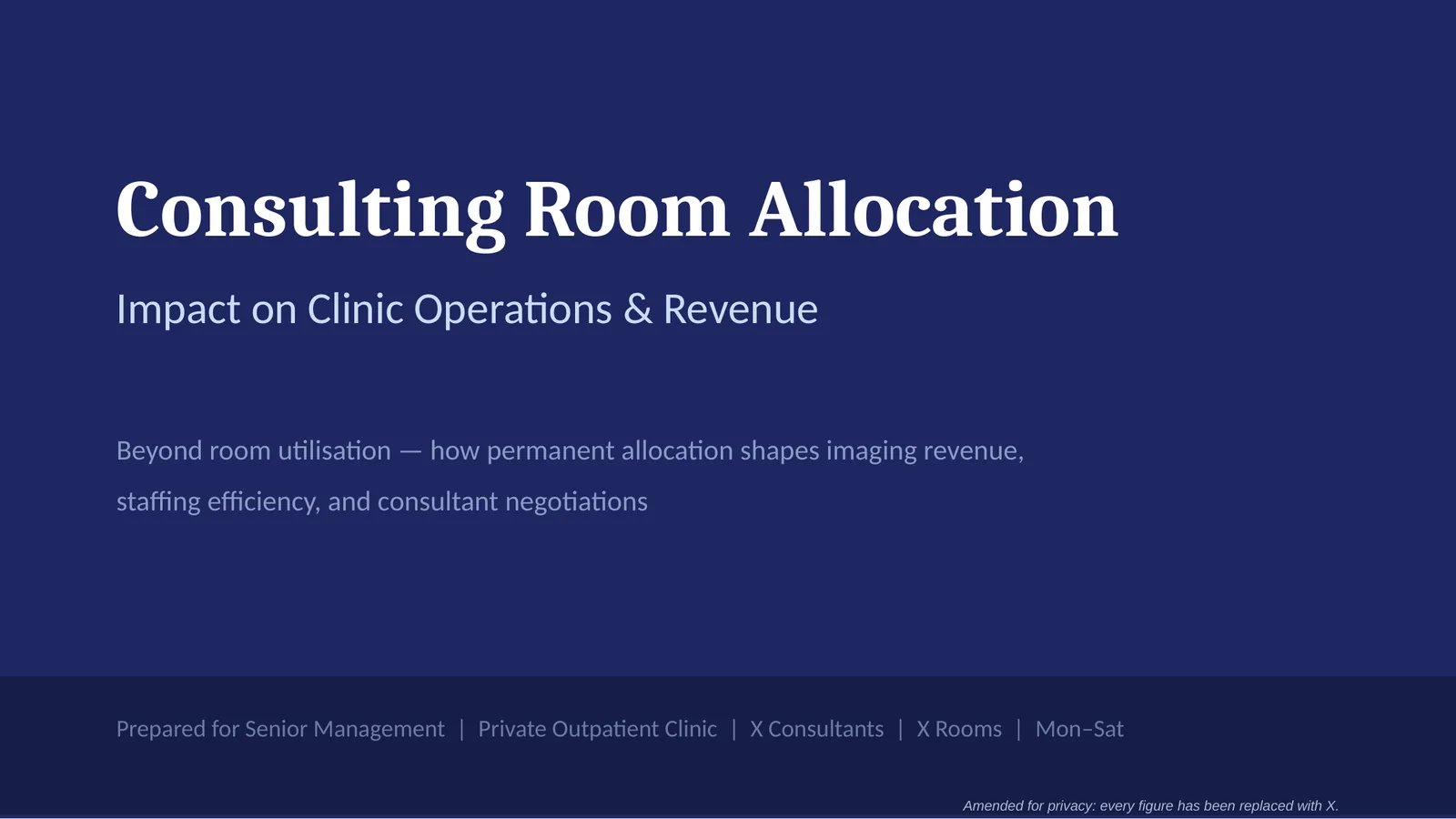
The review I presented to senior management, amended for privacy. Every figure in it has been replaced with X.